

Mayo Clinic will pay $906,000 for schedulers' unpaid computer startup time. Is your login time paid?
Minnesota's settlement covers 1,021 Mayo schedulers. Federal wage law often counts computer startup time as work too.
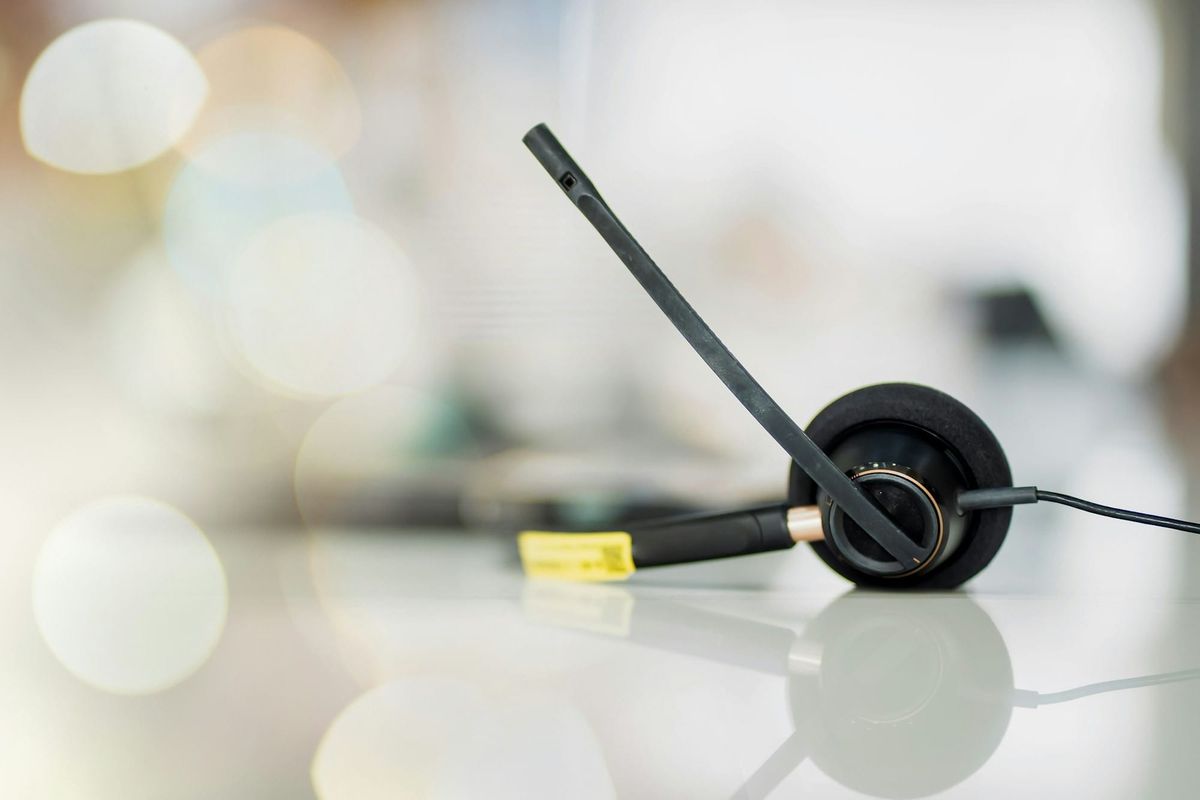
Mayo Clinic will pay $906,088.88 in back wages to the employees who answer patient calls and book appointments, Minnesota Attorney General Keith Ellison announced Nov. 23. Workers in Mayo's Patient Appointment Services Specialist and lead specialist jobs told his office they had to work off the clock, booting up computers before their shifts and finishing calls after them.
Mayo will stop rounding these workers' time and give them five paid minutes at the start of each day to boot up, Ellison's office said.
The settlement, filed in Ramsey County District Court, covers 1,021 Minnesota workers. Each gets 5.41 minutes of pay (4.41 minutes of "rounding time" plus one more minute) for every shift worked from July 1, 2024, through May 19, 2026. Ellison alleged Mayo rounded time to the nearest 15 minutes and didn't pay for logging into required applications at shift start and after meal breaks. Mayo "specifically denies" it failed to pay all wages state law requires, the agreement says. In a statement to CBS Minnesota, Mayo said it disagrees with Ellison's position but preferred sending money to its staff over spending it on defense fees.
Five minutes a shift sounds like nothing. Across 1,021 people and almost two years, it topped $900,000. If you work a phone queue, run that math on yourself.
The computer is the job
The federal Fair Labor Standards Act (FLSA) pays for "principal activities" and anything "integral and indispensable" to them. In Integrity Staffing Solutions v. Busk (Dec. 9, 2014), the Supreme Court said that means a task that is "an intrinsic element of those activities and one with which the employee cannot dispense." Warehouse workers filling Amazon.com orders lost that case because an exit security screening wasn't part of packing boxes.
A call center agent can't take a call with a dark screen. The Labor Department's call center fact sheet lists "starting the computer to download work instructions, computer applications, and work-related emails" as an example of the first principal activity of the day, which starts the paid clock.
Finishing the call. Work your boss allows counts, requested or not. "The reason is immaterial," says 29 CFR 785.11. And a policy against off-the-clock work doesn't let the employer off: management "cannot sit back and accept the benefits without compensating for them" (785.13).
Rounding. Federal rules allow rounding to the nearest five minutes, tenth or quarter hour, but only if it doesn't, "over a period of time," shortchange workers for time actually worked (785.48). Rounding that keeps favoring the company fails that test.
"It's only a few minutes." Employers call tiny bits of time too trivial to pay. The rule (785.47) says an employer can't skip time an employee is "regularly required to spend on duties assigned to him," and cites a court holding that 10 minutes a day isn't trivial.
Unpaid startup time is a recurring call center fight. For example:
- July 2011: Farmers Insurance agreed to pay $1,520,705 in overtime back wages to 3,459 call center employees after Labor Department investigators found unpaid pre-shift work such as "turning on work stations" and logging into the phone system, Michigan Public reported.
- October 2021: The 10th Circuit held in Peterson v. Nelnet Diversified Solutions that student-loan call center agents' boot-up time, a median of about two minutes a shift, was paid work and not too small to count, according to the Ninth Circuit.
- Oct. 24, 2022: In Cadena v. Customer Connexx, the Ninth Circuit ruled that turning on a computer is integral and indispensable for call center agents who "cannot perform their principal duties without first booting up their computers."
What to do if your login time isn't paid
- Keep your own log. Daily, write down when you sat down, when the computer was ready, when you clocked in and when your last call ended. Employers must record pre- and post-shift work time too, the call center fact sheet says; your notes fill the gaps theirs leave.
- Raise it in writing. An email to your supervisor or HR leaves a record. Retaliation for wage complaints is illegal, whether "made orally or in writing," and most courts protect internal complaints too, according to the Labor Department's retaliation fact sheet. Remedies include reinstatement, lost wages and matching damages.
- File. The Labor Department's Wage and Hour Division takes confidential complaints at 1-866-487-9243. State labor departments and attorneys general enforce wage laws too, and some go further: Minnesota requires pay for all time on duty, including time on the employer's premises, Ellison's office said. Minnesotans can call (651) 296-3353 or (800) 657-3787.
- Watch the clock on your claim. FLSA suits must be filed within two years, or three for a willful violation (29 U.S.C. 255). Wait, and the oldest unpaid minutes expire.
Same rule as when the clocks fell back this month: if you're working, you're on the clock.
Sources
- Attorney General Ellison secures $900K settlement with Mayo Clinic over unpaid employee wages (Minnesota Attorney General's Office)
- Assurance of Discontinuance, In the Matter of Mayo Clinic, 62-CV-26-8471 (Ramsey County District Court filing, via Minnesota Attorney General's Office)
- Mayo Clinic to give appointment workers 5 paid minutes a day to boot up computers (CBS Minnesota)
- Integrity Staffing Solutions, Inc. v. Busk (2014) (U.S. Supreme Court, via Cornell LII)
- Fact Sheet #64: Call Centers under the FLSA (U.S. Department of Labor)
- 29 CFR 785.11, 785.13, 785.47, 785.48 (Code of Federal Regulations, via Cornell LII)
- 29 U.S.C. 255 (U.S. Code, via Cornell LII)
- Fact Sheet #77A: Prohibiting Retaliation Under the FLSA (U.S. Department of Labor)
- How to File a Complaint (U.S. Department of Labor, Wage and Hour Division)
- Cadena v. Customer Connexx LLC, No. 21-16522 (U.S. Court of Appeals for the Ninth Circuit)
- Farmers Insurance employees in Grand Rapids to receive back wages after investigation (Michigan Public)

Comments ()